From US$1 per 10 minutes of video · Pilot: videos up to 30 seconds
Video
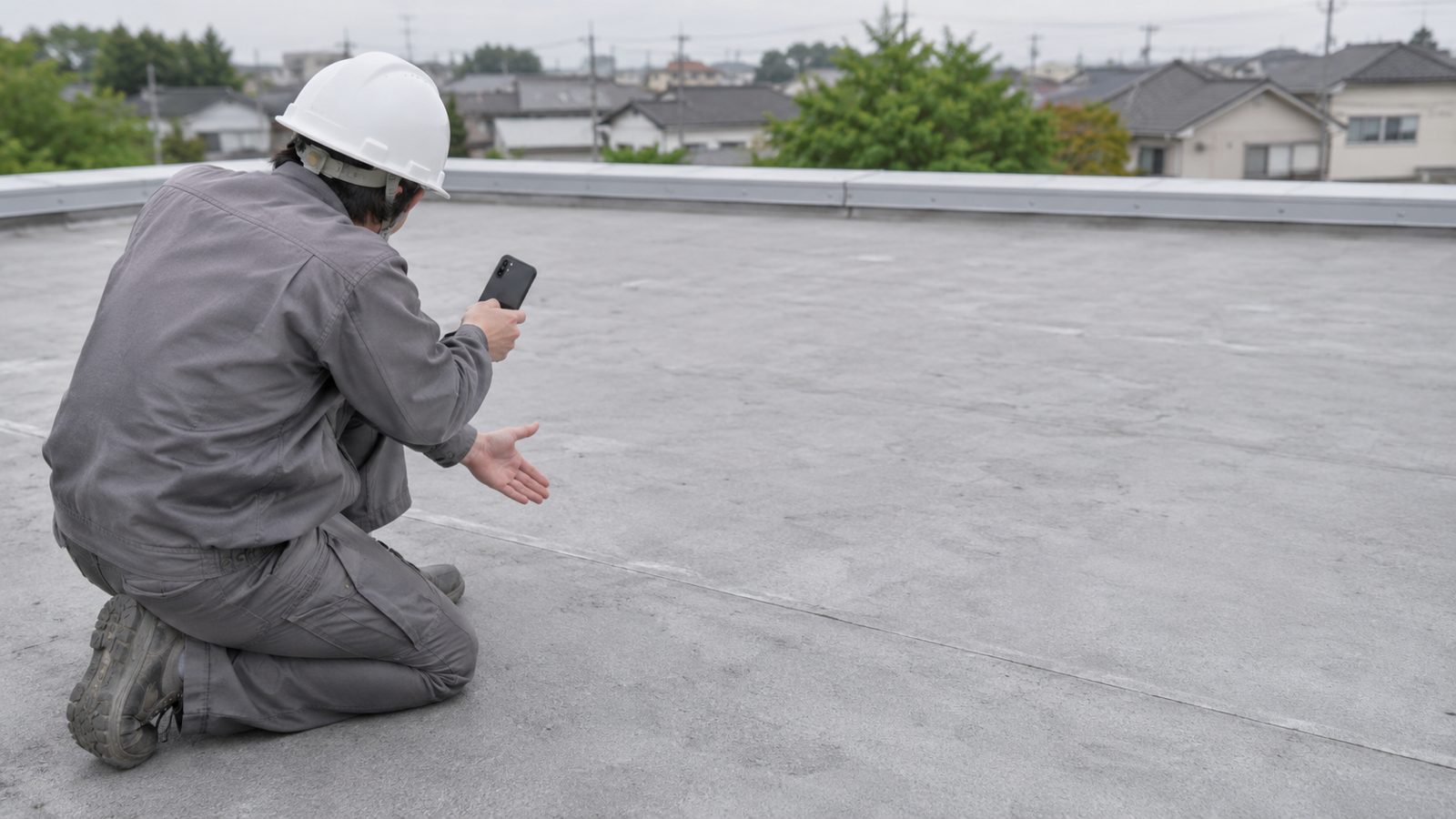
An inspector explains a finding on the roofVoice: English
inspeccion-robles-214.mp4
Review subtitles
Original phrase (English)
The membrane is lifted about 5 cm next to the downspout.
Translation (Spanish)
La tela membrana está levantada unos 5 cm junto al bajante.
CorrectingCorrected. The material is now correct.
Result
An inspector explains a finding on the roof
La membrana está levantada unos 5 cm junto al bajante.
inspeccion-robles-214.es.mp4
The same video, with your voice. You handle the report and sending it yourself, outside Vistavo.
Video
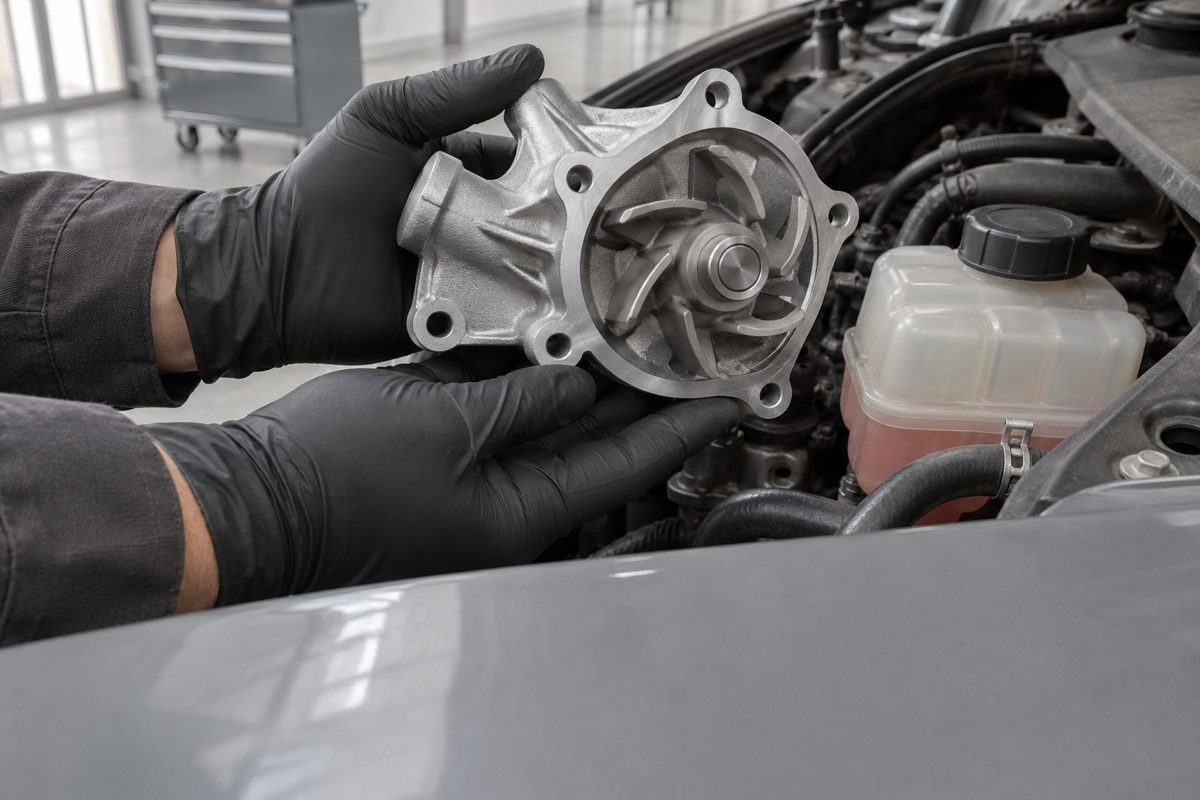
A mechanic shows the repaired partVoice: English
reparacion-bomba.mp4
Review subtitles
Original phrase (English)
We replaced the water pump. Check the coolant every month.
Translation (Spanish)
Reemplazamos la bomba de aire bomba de agua. Revisa el refrigerante cada mes.
CorrectingCorrected. The name of the part is now correct.
Result
A mechanic shows the repaired part
Reemplazamos la bomba de agua. Revisa el refrigerante cada mes.
reparacion-bomba.es.mp4
Subtitled video that the workshop downloads and sends on its own.
Video
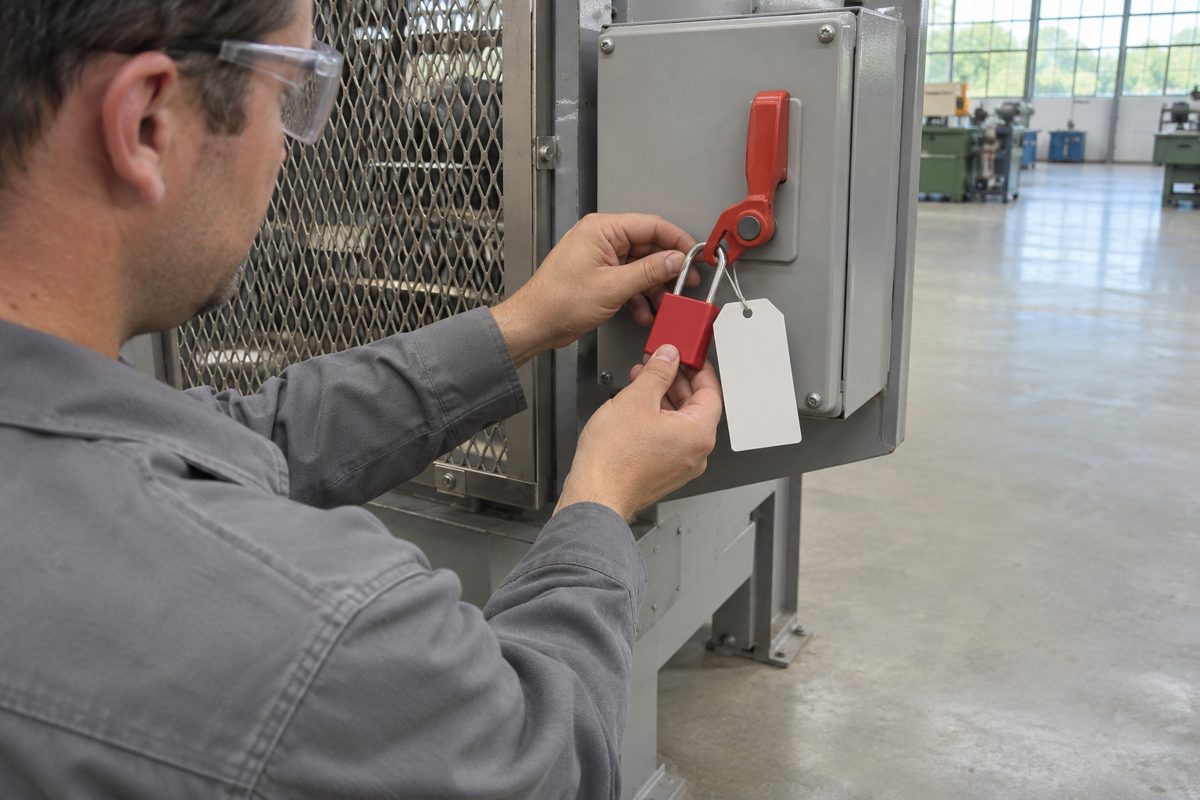
A person explains a procedureVoice: English
bloqueo-maquina.mp4
Review subtitles
Original phrase (English)
Lock out the machine before opening the guard.
Translation (Spanish)
Bloquee la máquina antes de abrir el guardián la guarda.
CorrectingCorrected. That is the term the team uses.
Result
A person explains a procedure
Bloquee la máquina antes de abrir la guarda.
bloqueo-maquina.es.mp4
Instruction with reviewed subtitles for someone who speaks another language.
Video and subtitles
Tutorial that already has subtitlesNo transcription
tutorial-sellado.mp4
tutorial-sellado.srt
Fix subtitles
Start time
It started late: from 00:00:05,900 to 00:00:05,400.
Phrase text
Apply the sealed sealant in an even layer.
CorrectingCorrected. Text and timing adjusted.
Result
Tutorial that already has subtitles
Apply the sealant in an even layer.
tutorial-sellado.en.srt
SRT corrected. You can also export the video from the editor without transcribing again.
Illustrative examples with made-up phrases; they are not screenshots or a working demo. The languages are in Ten languages.
The inspector explains in English. The owner needs to understand it in Spanish.
Situation
An inspector records what he found on the roof and explains it in his own voice, in English. The homeowner speaks Spanish: they see the images, but do not understand the explanation.
What he does in Vistavo
He uploads the video and chooses Spanish for the subtitles. He reviews the translation sentence by sentence: materials, measurements and names. He corrects the text or the timings where needed.
Result
He downloads the video with Spanish subtitles and sends it himself, together with the report he prepares separately.
To be clear: Vistavo does not generate the report, does not send the video and does not change the voice. It adds subtitles that you review.
How it works
From your phone or computer. Select the language you hear and the subtitle language. Check the file and your balance; the server confirms usage when processing.
Search for a sentence and jump to that point in the video. Correct the original, the translation or the timings. Adjust style and position if needed.
SRT: the subtitle file. MP4: the video with visible subtitles. Save the project and reopen it without transcribing again.
New projectStep 1 of 5
inspeccion-robles-214.mp4
0:28 · 0.9 MiB · within the pilot limit
Spoken language:English
Subtitle language:Spanish
Estimated usage:1 min · 7 min left
Process video
Review subtitlesEnglish → Spanish
membrane
00:00:04,200 → 00:00:07,900The membrane is lifted about 5 cm next to the downspout.La tela membrana está levantada unos 5 cm junto al bajante.
MP4 · video with visible subtitles inspeccion-robles-214.es.mp4Download MP4
You send the file to your client, together with your report.
Illustration of the steps with sample data; it is not a screenshot. Demo available today: a synthetic jobsite clip with English audio and English captions, not a real English → Spanish inspection.
Other uses
Workshop
Who
A mechanic who needs to explain to the customer which part was repaired and what care it needs.
What they do
Records the explanation and reviews part names and figures in the translation.
What they get
A subtitled video that they send with their estimate or invoice.
Training
Who
A supervisor with coworkers who speak another language.
What they do
Records the instruction once and reviews the translated safety terms.
What they get
A video that the team can follow by reading the subtitles.
Tutorial
Who
Someone who publishes tutorials that are often watched without sound.
What they do
Transcribes in the same language, without translating, and corrects the timings.
What they get
Subtitles to follow the video silently.
1200:00:05,900 00:00:05,400 → 00:00:09,300Apply the sealed sealant in an even layer.1300:00:09,800 → 00:00:13,000Let it dry for twenty minutes.
Editor or agency
Who
An editor who receives a video with an SRT that has errors.
What they do
Imports the SRT, LRC or ASS and corrects text and timings.
What they get
A corrected SRT or an MP4, without transcribing again.
Also for
Contractors and installers
Explaining a finished job to the owner or how to use what was installed.
Site supervisors
Leaving recorded pending items for the next shift's crew.
Real estate agents
Showing a property to buyers who speak another language.
Catalog planned for launch
Ten languages, in any direction
This is the catalog planned for launch. Today, the pilot only allows the enabled combinations shown in the app; this list does not mean that all pairs are available.
The translation is automatic: review every sentence before downloading, especially names, materials and measurements.
English and these nine languages form the planned catalog:
ESSpanishEspañol
PTBrazilian PortuguesePortuguês (Brasil)
FRFrenchFrançais
DEGermanDeutsch
JAJapanese日本語
KOKorean한국어
ARArabicالعربية
ZHSimplified Chinese简体中文
VIVietnameseTiếng Việt
The interface language is chosen separately from the video language and the subtitle language.
PRICING
No subscription. You pay per minute of video.
You buy minutes and use them whenever you want. The balance is shared across your videos: two 30-second videos consume 1 minute.
Before processing, you can check the file, the languages, the estimated duration and your current balance. In the pilot, usage is confirmed when processing.
Another language for the same video is another job and consumes separate minutes.
You can check your balance and buy minutes from the dashboard.
CURRENT PILOT TERMS
Test payments with PayPal: no real money is charged. Videos up to 30 seconds and 1 MiB. Projects kept for 24 hours. The limits of the commercial version, and whether MP4 is included in all packages, will be announced before launch.
Help
Frequently asked questions
Quick answers about the product, files, languages and pricing before contacting Support.
Results for “»
We couldn't find that question. Try another word or write to Support.
General use
What Vistavo does and how to work with it.
What does Vistavo do?
It transcribes what is said in your video, translates the subtitles into the language you choose and lets you correct them before downloading an SRT file or an MP4 video.
Who is it for?
For anyone who records an explanation in their language and needs someone else to understand it in another: inspectors, workshops, trainers, tutorial creators and editors.
Is my voice preserved?
Yes. It is not dubbing. The original audio does not change; the translation appears in the subtitles.
What can I correct?
The original text, the translated text and the start and end times of each sentence. Also the subtitle style and position.
Does it work on a phone?
Yes. You can upload, review, correct and download from your phone browser, without using a computer.
Files and downloads
What you can upload and what you get.
What files can I upload?
A video recorded with your phone or camera. If you already have subtitles, you can import them in SRT, LRC or ASS along with the video. During the pilot, each video supports up to 30 seconds and 1 MiB.
What is the difference between SRT and MP4?
SRT is a text file with the subtitles and their timings; it works with editors and video platforms. MP4 is your video with the subtitles already visible in the image.
Can I return to my project later?
Yes. Save your changes and reopen it from “My projects” without transcribing again. In the pilot, projects are kept for 24 hours.
Does Vistavo send the video to my client?
No. You download the file and send it by email, messaging or together with your report. Vistavo does not generate the report either.
Languages and translation
What languages are available and what each status means.
What languages are available?
The catalog includes ten languages. During the pilot, the project selector shows the enabled combinations. The interface language does not change the audio or subtitle language.
Is the translation certified?
No. It is an automatic translation that you review and correct before downloading. It does not replace a certified translation.
Does changing the site language change my projects?
No. The interface language, the spoken language and the subtitle language are independent choices.
Pricing and limits
How much it costs and what conditions the pilot has.
How much does it cost?
US$1 for 10 minutes, US$5 for 50 and US$10 for 100. You pay for the minutes of video you process.
Is it a subscription?
No. You buy a minute package with a one-time payment and use it whenever you want, shared across your videos.
What happens if the balance is not enough?
The pilot confirms usage when processing; it does not yet offer a prior quote. Check your balance and, if you need minutes, choose a package in Balance and purchases.
What limits are there?
During the pilot: videos up to 30 seconds and 1 MiB, projects kept for 24 hours and test payments with PayPal, with no real charge. The limits of the commercial version will be announced before launch.
Upload a short video and review your first subtitles.